Cererea și factura, legate automat.The request and the invoice, tied together automatically.
Nava trimite cererea, echipa cumpără de la furnizorii obișnuiți, iar Knot leagă cu AI fiecare linie de pe factură de linia potrivită din cerere. Avizul iese cu prețuri, cantități și TVA, gata de trimis.
The vessel sends its request, your team buys from its usual suppliers, and Knot uses AI to tie every invoice line to the right request line. The delivery note (DN) comes out with prices, quantities and VAT, ready to send.
Facturi în PDFPDF invoices e-Factura de la orice magazine-Factura from any store Pe laptop și pe telefonOn laptop and phone
MV SILVER GULL · PO-4471
- POTATOES20 KGCARTOFI ALBI 10KG2 BU20 KG
- MINERAL WATER 6 X 1.5 L64 PACKAPA PLATA 6X1,5L64 BAX64 PACK
- EGGS FRESH LARGE180 PCSOUA PROASPETE M 6X30BUC180 BU180 PCS
- CHEESE CHEDDAR SLICED2 KGCASCAVAL FELII 500G4 BU2 KG
- MILK UHT 3.5% 1 LTR24 LTRLAPTE UHT 1,5% 1L24 BU24 LTR
De verificat: cerut 3,5% grăsime, cumpărat 1,5%.To check: asked 3.5% fat, bought 1.5%.
Ore întregi între factura magazinului și cererea navei.Hours lost between the store invoice and the vessel's request.
Cererea spune BUTTER, 2 KG. Factura spune UNT 82% 200G, 10 bucăți. Acum înmulțește cu fiecare linie din cerere, cu fiecare factură și cu fiecare comandă din săptămâna asta.
The request says COFFEE, 3 KG. The Romanian invoice says CAFEA 250G, 12 pieces. Now multiply that by every line of the request, every invoice and every order this week.
- 01
Cauți de mână fiecare linie de pe factură în cererea navei, scrisă în altă limbă și cu alte nume.You look up every invoice line in the vessel's request by hand, written in another language and under other names. - 02
Transformi cantitățile pe hârtie: kilograme în bucăți, baxuri în sticle, cofraje în ouă.You convert quantities on paper: kilos to pieces, cases to bottles, trays to eggs. - 03
Bați avizul din nou în Excel, cu prețurile, TVA-ul și unitățile cerute de navă.You retype the delivery note in Excel, with the prices, the VAT and the units the vessel asked for.
Patru pași, de la cererea navei la aviz.Four steps, from the vessel's request to the delivery note.
-
Pasul 1Step 1 Cererea naveiThe vessel's request Încarci cererea ca Excel, în orice format. Coloanele se recunosc singure, cu tot cu prețurile din lista navei, când există.Upload the request as an Excel file, in any layout. The columns are recognised automatically, including the vessel's price list when there is one. -
Pasul 2Step 2 FacturileThe invoices Adaugi ce ați cumpărat: factura în PDF sau e-Factura (XML sau ZIP din SPV) de la orice magazin. O comandă poate avea mai multe facturi.Add what you bought: the invoice as a PDF or an e-Factura file (XML or ZIP) from any store. One order can have several invoices. -
Pasul 3Step 3 Corelarea cu AIAI matching AI-ul leagă fiecare linie de pe factură de cererea potrivită, după ce este produsul, nu după brand sau ambalaj. Cantitățile se socotesc singure, din gramaj și baxuri. Tu confirmi sau corectezi dintr-un clic.AI ties every invoice line to the right request line by what the product is, not by brand or pack. Quantities are worked out from pack sizes and cases. You confirm or correct with a click. -
Pasul 4Step 4 AvizulThe delivery note Avizul iese cu prețurile din lista navei sau cost plus adaos, cantitățile în unitatea cerută și TVA inclus sau scutit. În engleză, română sau bilingv, de printat, ca PDF sau Excel.The DN comes out with prices from the vessel's price list or cost plus markup, quantities in the requested units, and VAT included or exempt. In English, Romanian or both, to print, or as PDF and Excel.
Așa arată Knot pentru echipă.What Knot looks like for your team.
Toate comenzile, cu pasul la care a ajuns fiecare.Every order, with the step it has reached.
Cererea navei se importă din Excel, în orice format.The vessel's request is imported from Excel, in any layout. Backup într-un fișier, din aplicație.Backup to a file, from inside the app.
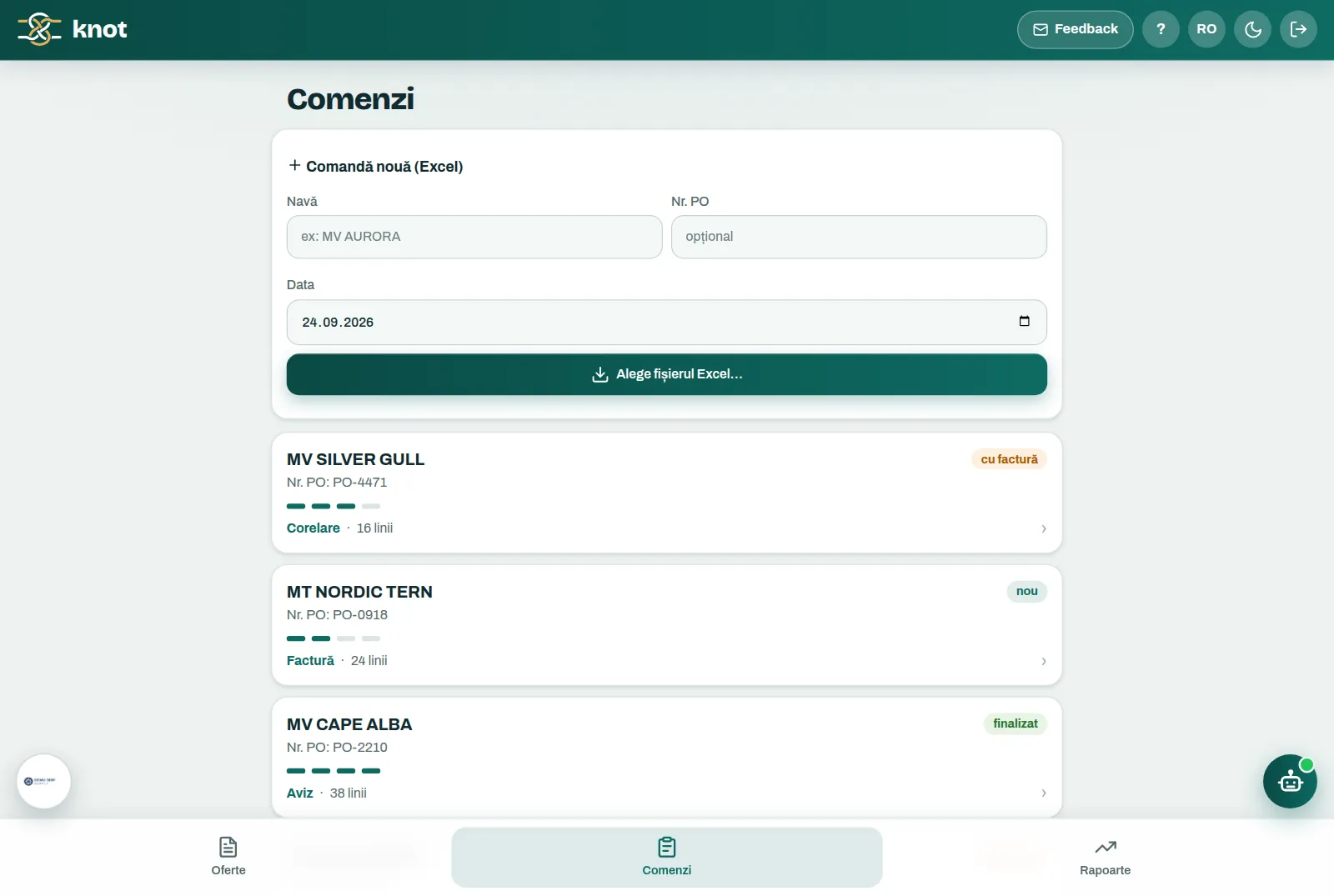

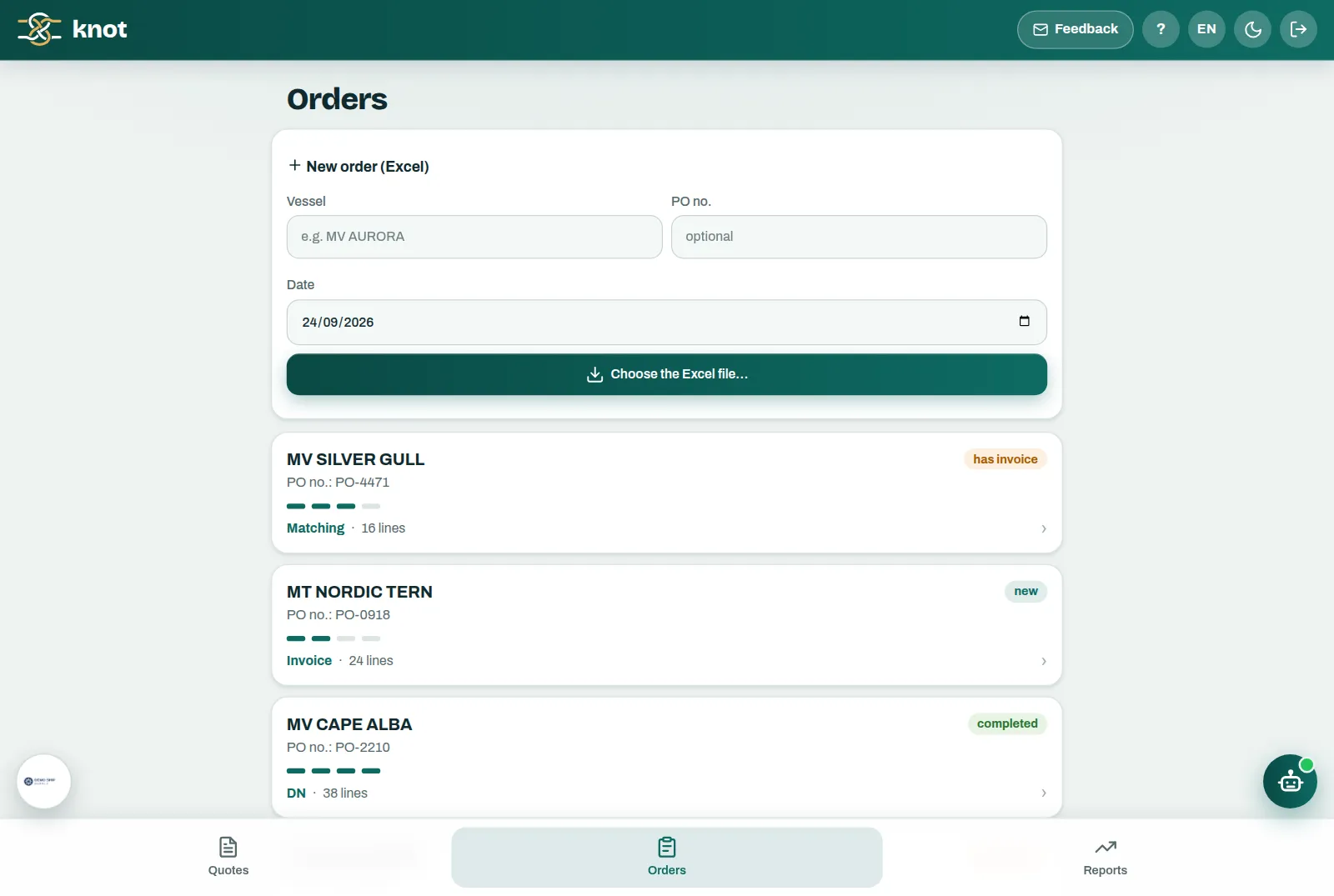

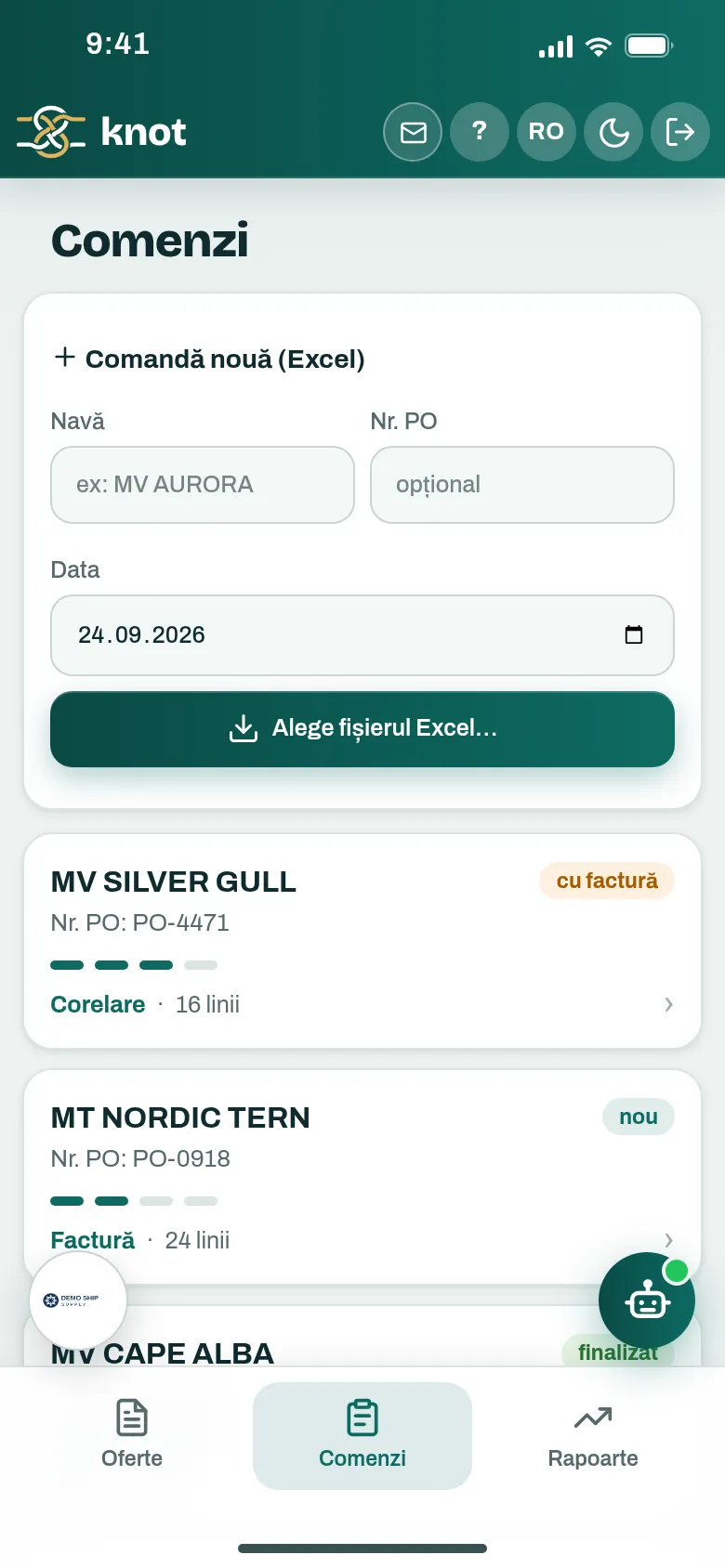
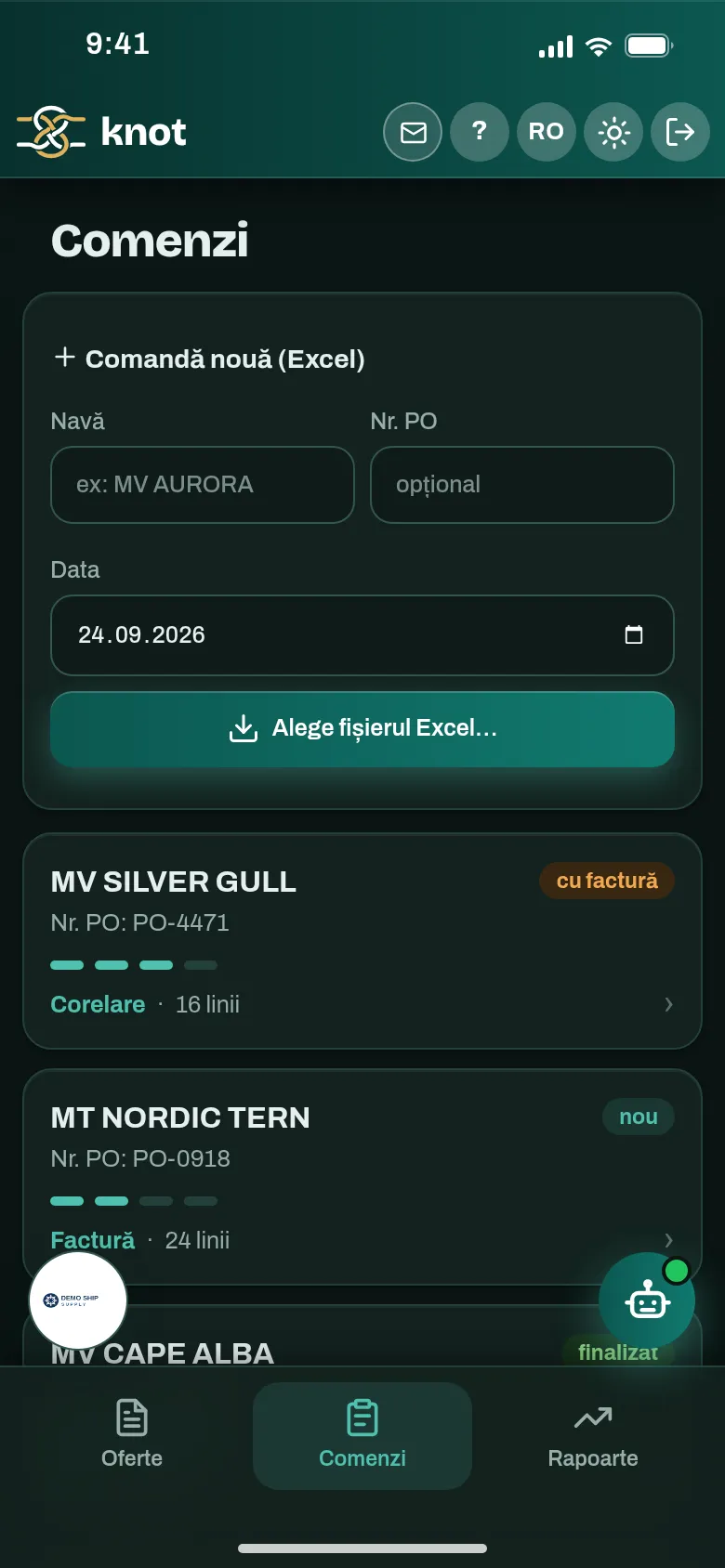
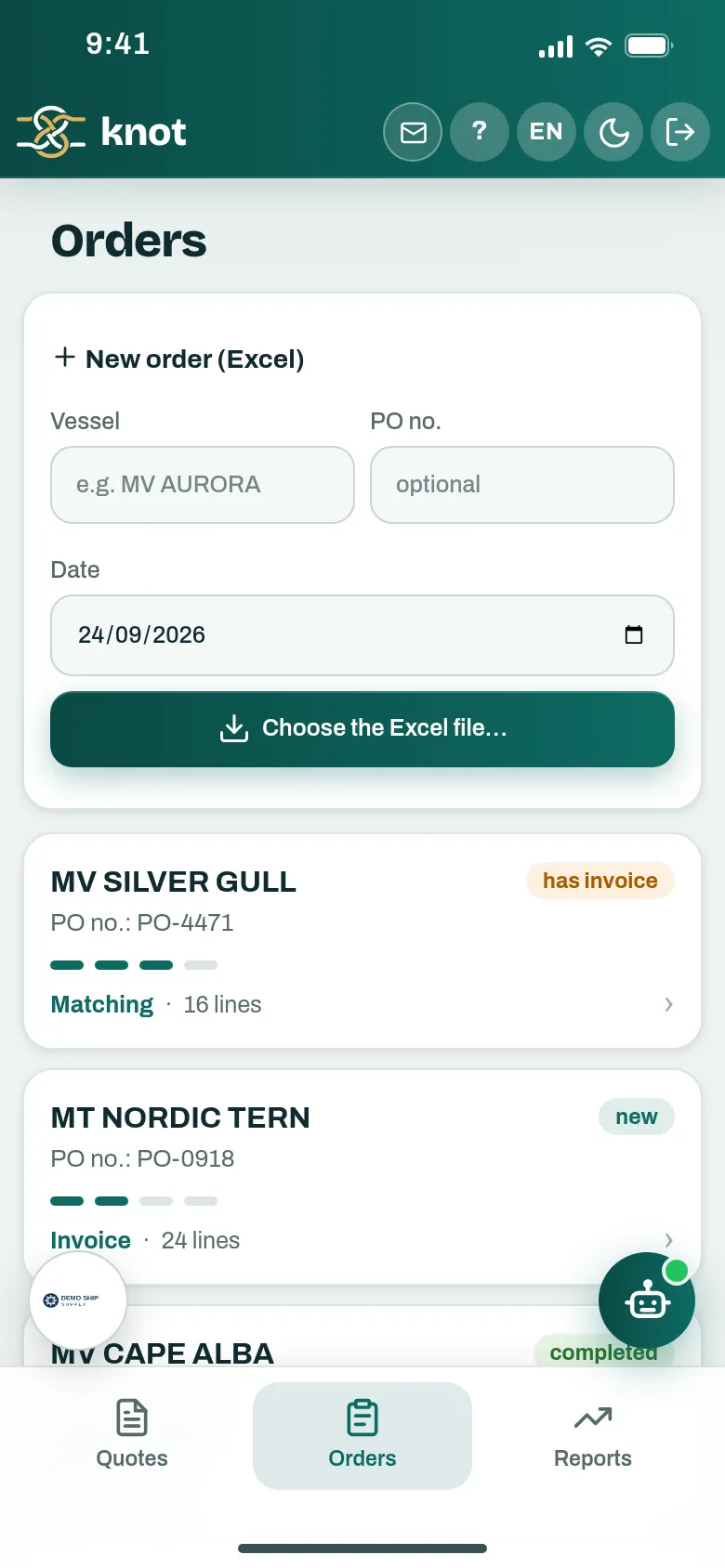
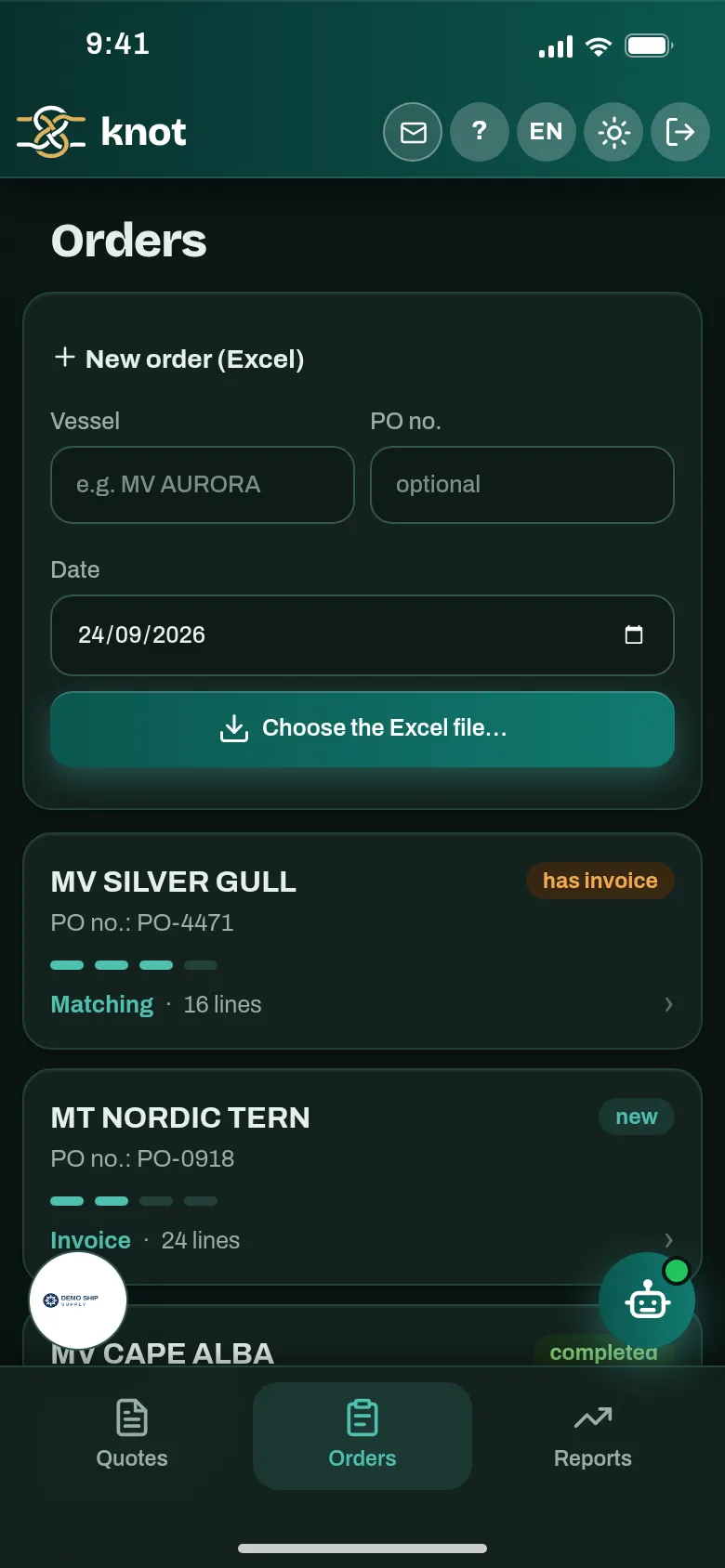
Fiecare cerere, cu liniile ei de pe factură.Every request line, with its invoice lines.
2 bucăți × 10 kg = 20 kg, socotit din denumirea de pe factură.2 pieces × 10 kg = 20 kg, worked out from the invoice description. Detaliile diferite, semnalate: cerut 3,5% grăsime, cumpărat 1,5%.Different details get flagged: asked 3.5% fat, bought 1.5%. Respingi o legătură și AI-ul ține minte.Reject a match and the AI remembers.


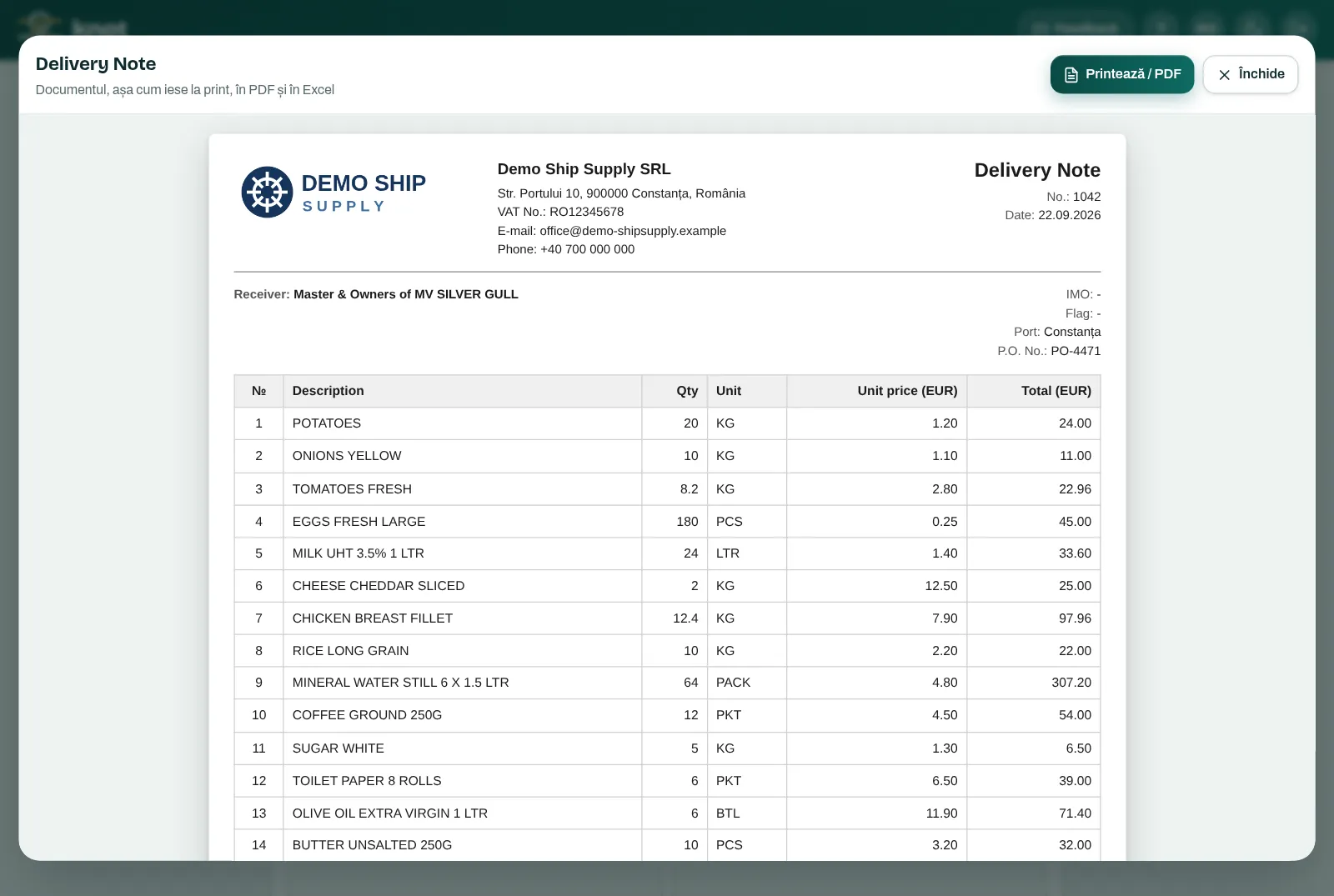
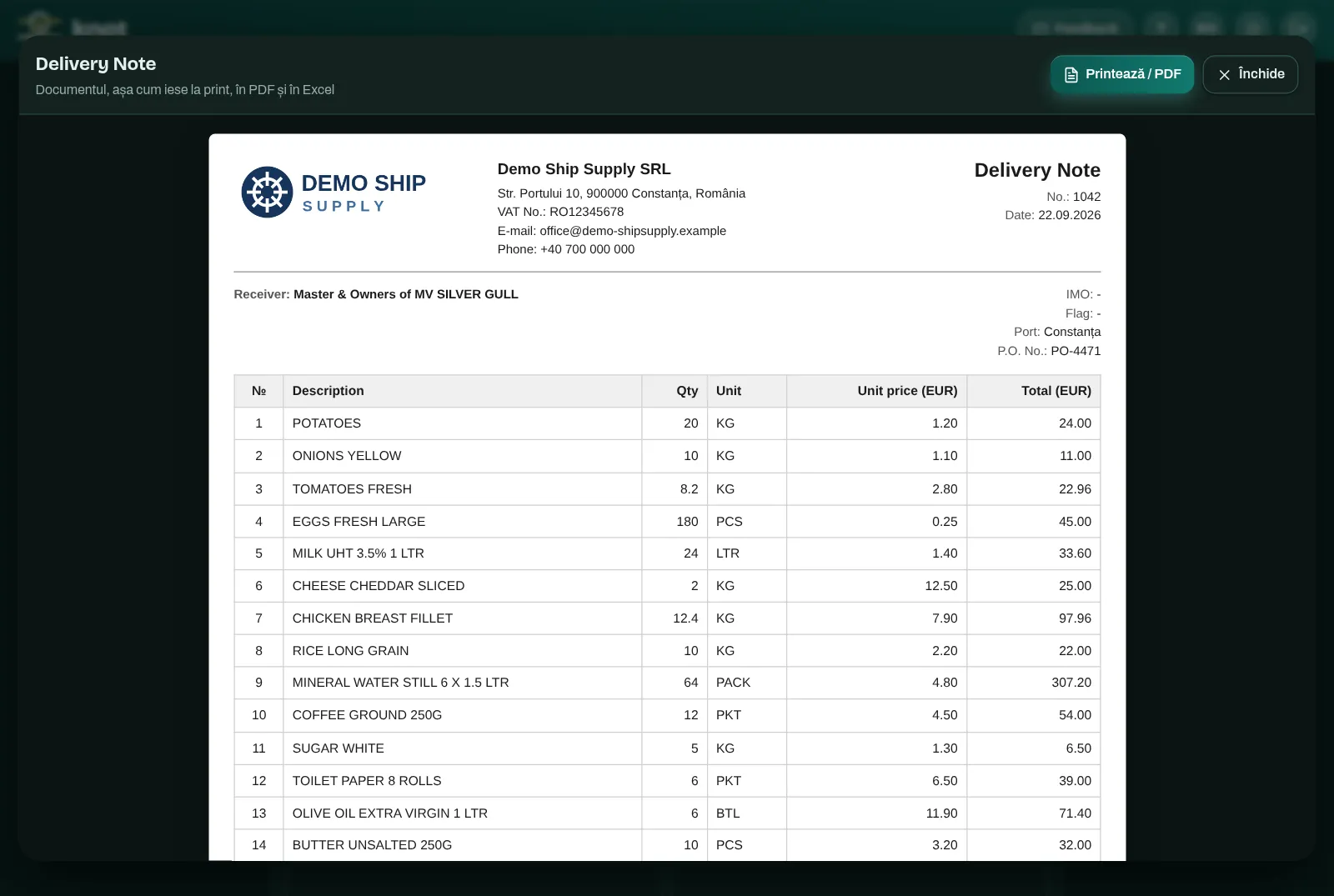
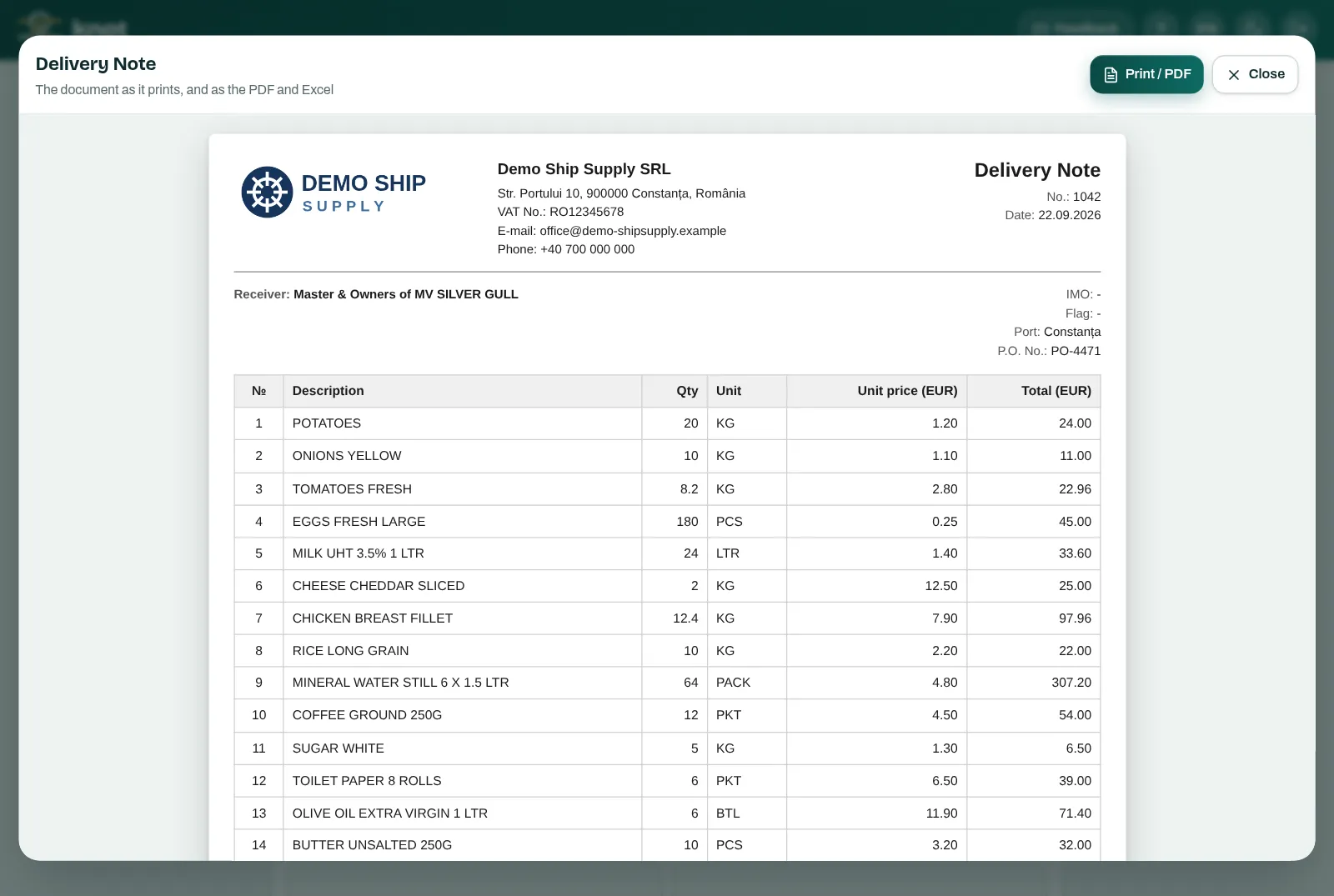
Avizul, cu firma ta în antet.The delivery note, with your company on top.
Prețul din lista navei sau cost plus adaos.Price from the vessel's list, or cost plus markup. TVA inclus sau scutit, pe fiecare comandă.VAT included or exempt, per order. Ștampila și semnătura, la emitent.Stamp and signature at the issuer's line.


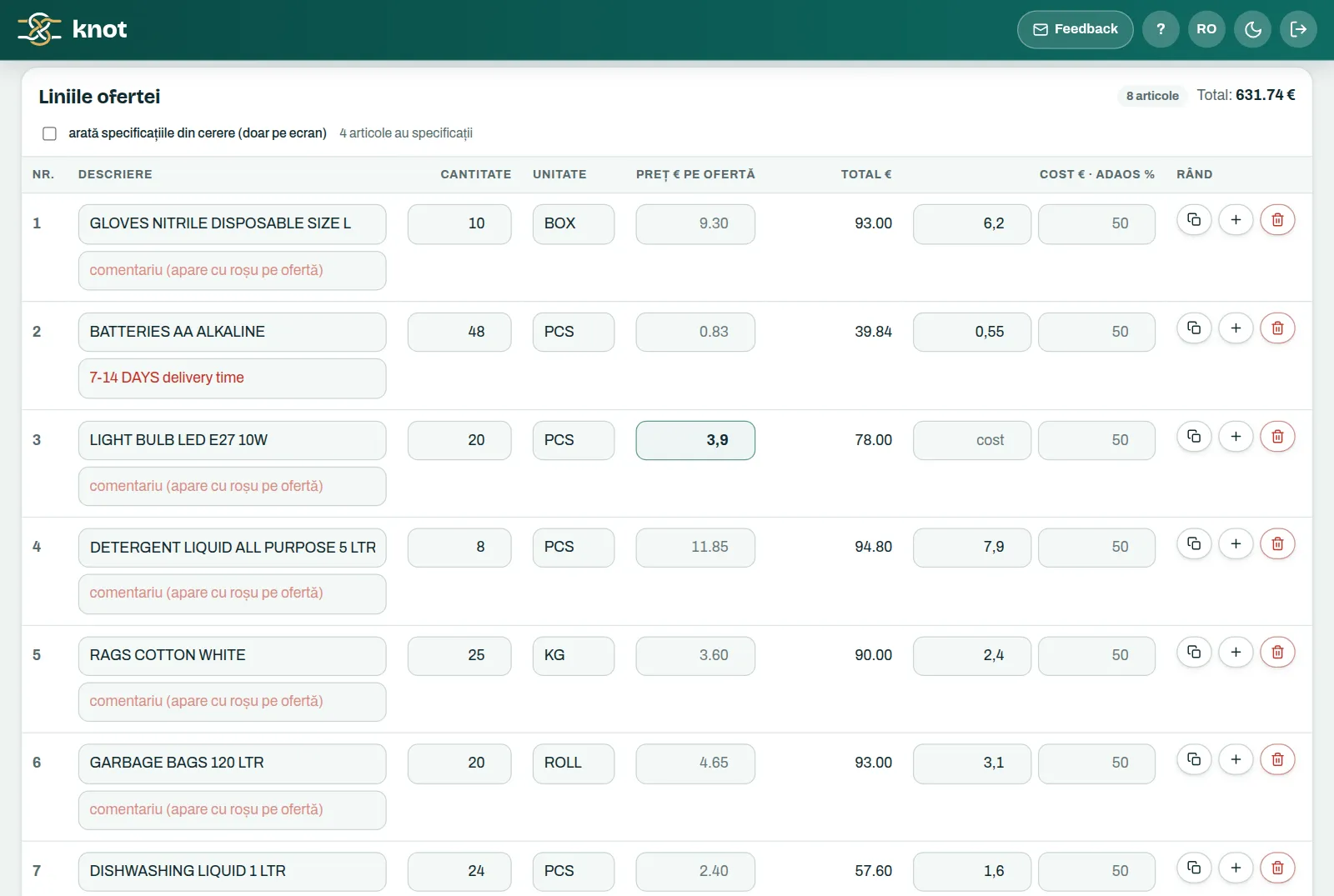
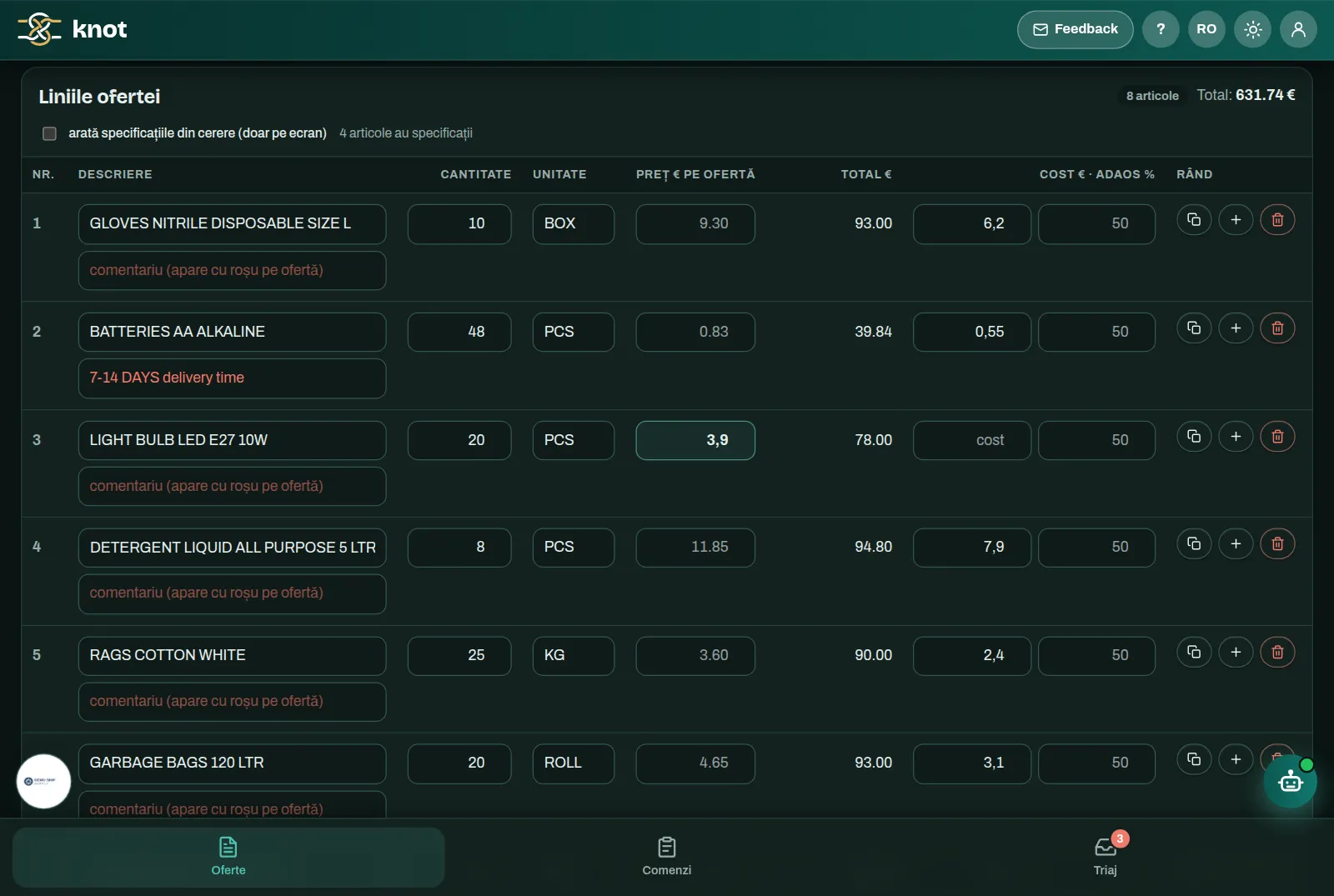
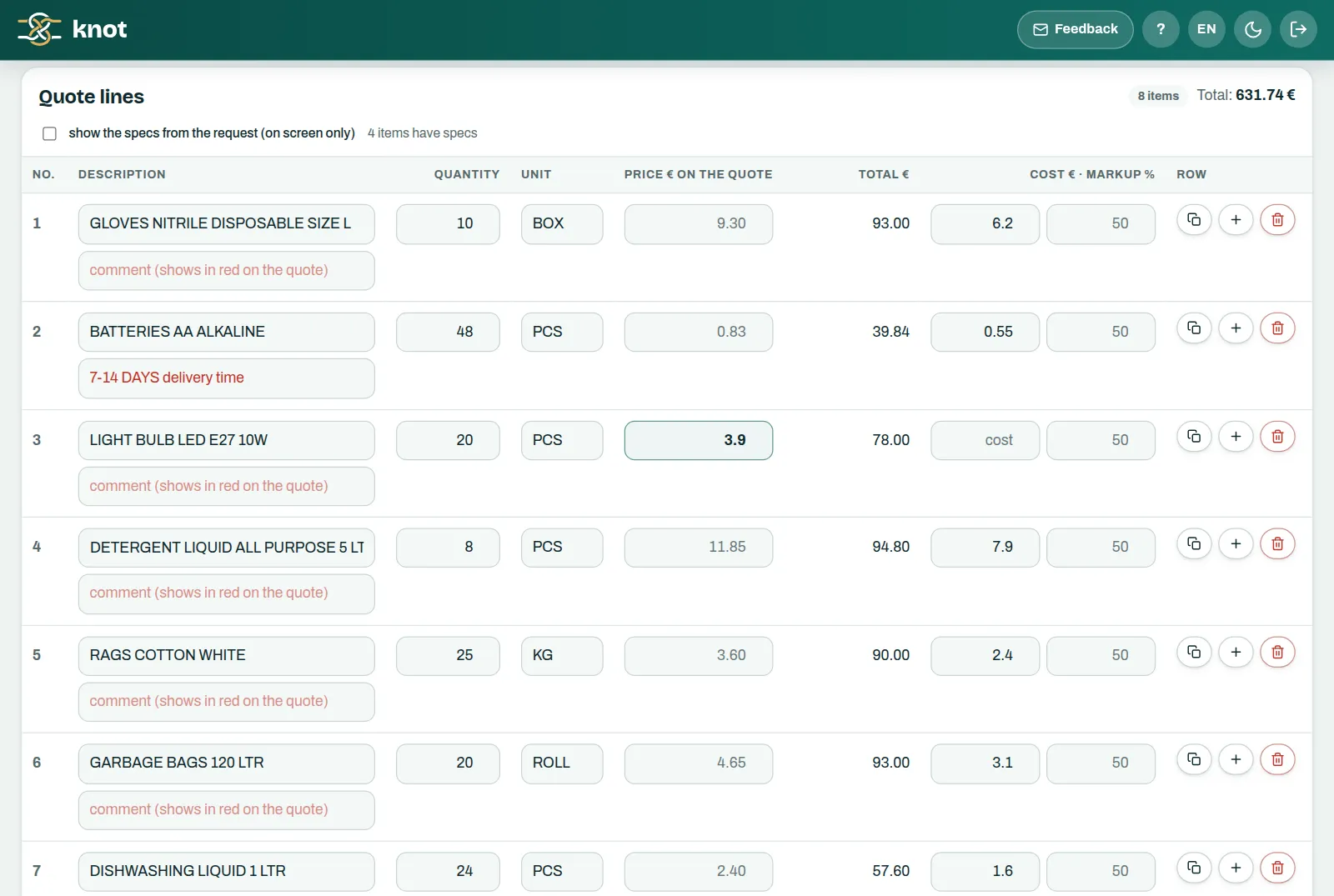
Oferta, din cererea de ofertă a navei.The quote, straight from the vessel's RFQ.
Adaosul standard se aplică singur peste cost.The standard markup is applied to the cost for you. Comentariile tale apar cu roșu pe ofertă.Your comments show in red on the quote.


Și tot ce mai ține de o comandă.And everything else an order needs.
-
Oferte din cererea naveiQuotes from the vessel's RFQ Cererea de ofertă, ca PDF sau poze, se citește cu AI. Echipa pune prețurile, iar oferta iese ca Excel și PDF.The RFQ, as a PDF or photos, is read by AI. Your team adds the prices and the quote comes out as Excel and PDF. -
PDF personalizat în ExcelCustom PDF to Excel Descrii tabelul pe care îl vrei din orice document, chiar și scanat, și îl primești ca Excel, cu coloanele și regulile tale.Describe the table you want from any document, even a scanned one, and get it as Excel, with your columns and rules. -
Documente cu firma taYour company on every document Logoul pe aviz, pe ofertă și în Excel; ștampila și semnătura pe aviz. Fundalul imaginilor se scoate automat, direct pe dispozitiv.Your logo on delivery notes, quotes and Excel files; stamp and signature on the delivery note. Image backgrounds are removed automatically, right on the device. -
Regulile firmeiYour company's rules Regulile avizului (sursa prețului, adaosul, TVA-ul, limba, ordinea liniilor), regulile de legare și modulele se configurează la implementare, după cum lucrează firma, și se pot ajusta oricând.Delivery note rules (price source, markup, VAT, language, line order), matching rules and modules are configured during setup to match how your company works, and can be adjusted at any time. -
RapoarteReports Vânzare, achiziție și marjă pe fiecare comandă, adunate pentru toată echipa.Sales, purchases and margin for every order, pooled for the whole team. -
Ajutor în aplicațieHelp inside the app Un ghid pas cu pas și un asistent care răspunde la întrebări din documentația aplicației.A step-by-step guide and an assistant that answers questions from the app's documentation.
Datele rămân la voi și nu antrenează niciun AI.Your data stays with you and trains no AI.
Datele rămân la voiYour data stays with you Comenzile, facturile și ofertele stau pe dispozitivele echipei, cu backup într-un fișier. Pe server păstrăm doar ce trebuie pentru documente, rapoarte și suport: datele firmei, rezumatele comenzilor, setările comune și jurnalul de utilizare.Orders, invoices and quotes stay on your team's devices, with backup to a file. On the server we only keep what documents, reports and support need: company details, order summaries, shared settings and a usage log. Fără antrenare pe datele voastreNo training on your data Nimic din ce încărcați nu e folosit la antrenarea vreunui model AI, nici de noi, nici de furnizorul de AI. Documentele ajung la AI doar ca să fie citite pentru comanda voastră.Nothing you upload is used to train any AI model, neither by us nor by the AI provider. Documents reach the AI only to be read for your order. Intrare cu cod pe emailSign-in with an email code Fiecare utilizator intră cu un cod de 6 cifre, primit pe email și valabil 10 minute. Aplicația stă în spatele unui strat suplimentar de securitate, care acceptă doar adresele echipei voastre.Each user signs in with a 6-digit code, sent by email and valid for 10 minutes. The app sits behind an extra security layer that only accepts your team's addresses. Regulile, stabilite cu voiRules agreed with you Regulile avizului, regulile de legare și modulele le configurăm la implementare, după cum lucrați. Nu se schimbă din greșeală în aplicație: le ajustăm noi, oricând ne cereți.Delivery note rules, matching rules and modules are configured during setup, the way you work. Nobody changes them by accident in the app: we adjust them whenever you ask.
Ce ne întreabă de obicei echipele.What teams usually ask us.
Trebuie să schimbăm furnizorii sau felul în care cumpărăm?Do we need to change suppliers or the way we buy?
Ce se întâmplă când AI-ul greșește o legătură?What happens when the AI gets a match wrong?
În ce limbi iese avizul?Which languages can the delivery note use?
Poate purta numele și logoul firmei noastre?Can it carry our company's name and logo?
Pe ce dispozitive merge?Which devices does it run on?
Cât costă?How much does it cost?
Spune-ne cum lucrați.Tell us how you work.
Câte nave și câte comenzi aveți, de obicei.How many vessels and orders you usually handle. De unde cumpărați și în ce format vin facturile.Where you buy and what format the invoices come in. În ce format vin cererile navelor.What format the vessels' requests come in.